
Use this process if your API key has been exposed, shared with someone who should no longer have access, or needs to be replaced.
Steps
- Sign in to your VBOUT account.
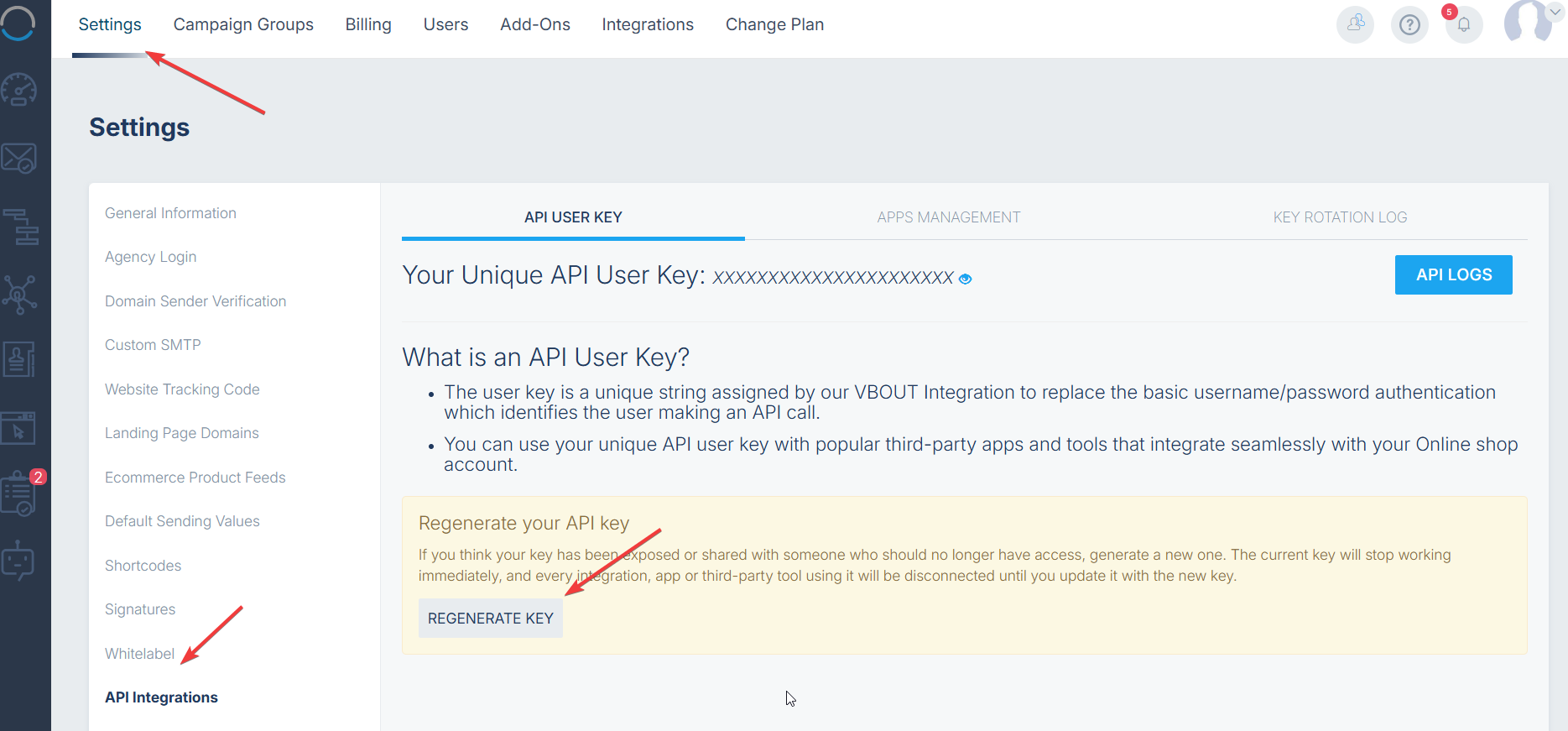
- Open Settings from the top navigation.
- In the left-hand menu, select API Integrations.
- Make sure you are on the API User Key tab.
- Click Regenerate Key.
- Confirm the regeneration when prompted.
- Copy and securely store the new API key.
- Update the new key in every connected app, integration, script, or third-party tool.
Important
Regenerating the key immediately invalidates the previous key. Any integration still using the old key will stop working until it is updated with the new one.
Do not share the API key publicly or include it in screenshots, support tickets, or client-side code.