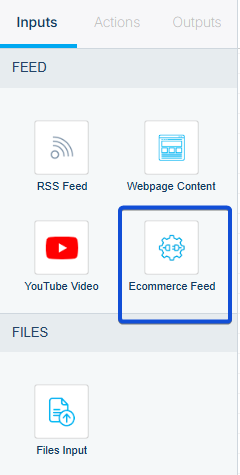
In your chatbot workflow, choose Ecommerce Feed as an input source. This allows the chatbot to understand your store’s catalog, answer product-related questions, and display product cards whenever relevant.
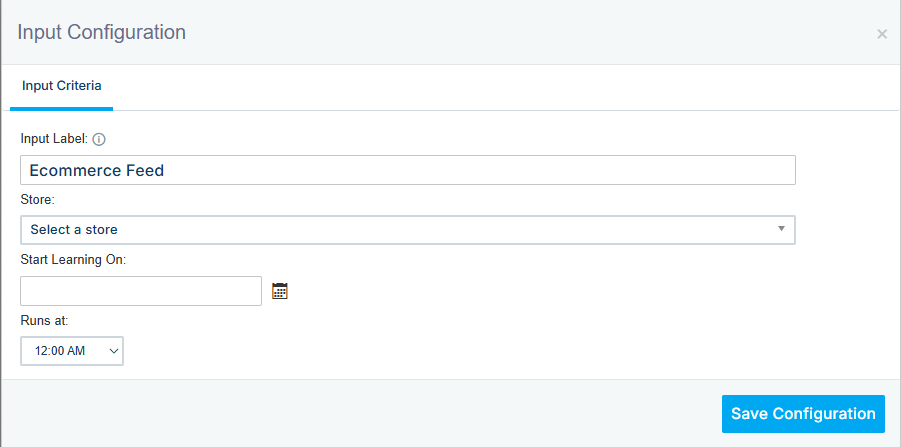
In the Ecommerce feed configuration, select your store (Product feed) and set a date/time to launch the learning process.
The product card will appear in the following output:
- Landing Page
- Website
- Facebook Messenger
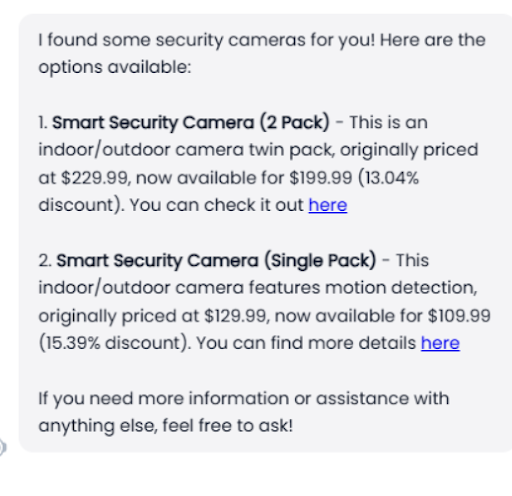
An example of the Chatbot response: