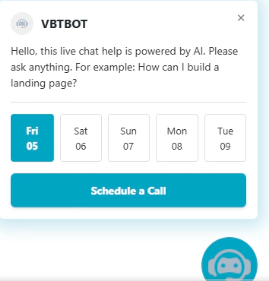
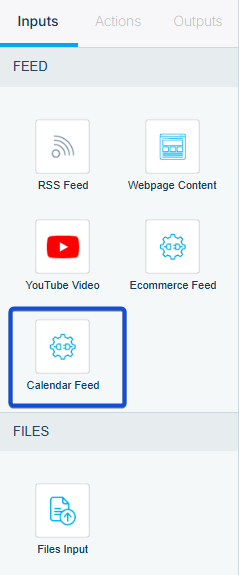
To enable calendar functionality in your chatbot, select Calendar Feed as the input source within the chatbot workflow. This allows the chatbot to display calendar details, show available time slots, and support booking, rescheduling, and cancellation actions.
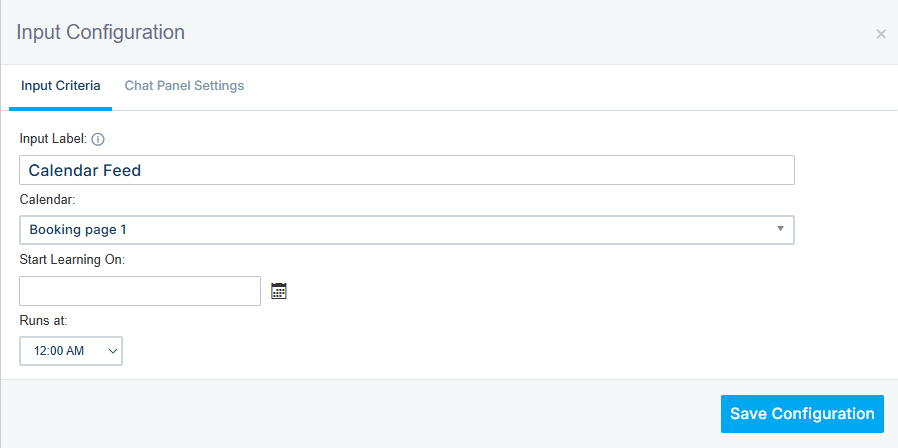
In the calendar feed configuration, select your calendar and set a date/time to launch the learning process.
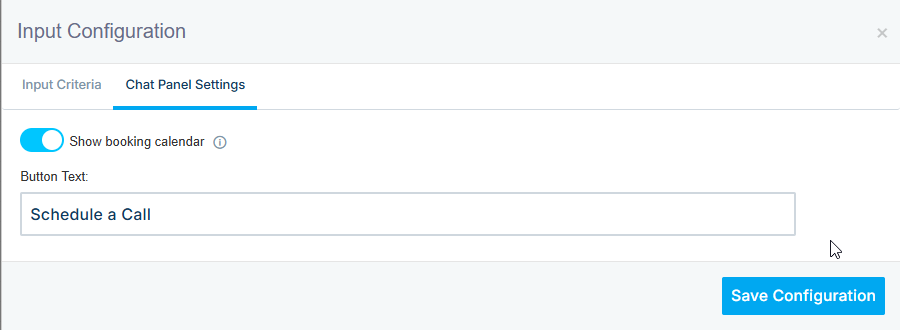
In the Chat Panel settings, you can enable or disable the Show Booking Calendar option. This setting is enabled by default and displays availability for the next five days.
You can also customize the booking button text to match your preferred wording.
The calendar will appear in the following output:
- Landing Page
- Website